Product title:
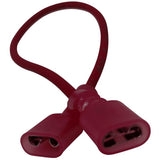
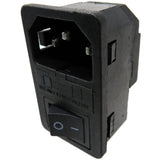
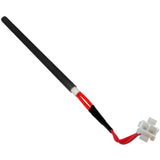
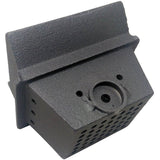
Castle Pellet Stove Vacuum Switch (Replaces Old Style Switch) 720073 (28662)
Product price:
Product availability:
In Stock
$69.99
Product SKU ! 720073
Product MPN ! 720073
Bullet point features
- Genuine OEM Castle Part Learn more about the difference between OEM and AMP parts
- Save $10.00 With The Aftermarket Version!
- Replaces Part # 720073, 28662, 28664 and more for Castle HPS10IC, HPS10, and Serenity
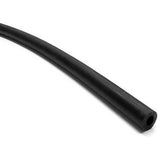
- Tube Sold Separately
- Measures 3 ½" Long, 3" Wide, and 1 ½" High
- FREE Shipping with orders over $99
- See Complete Description