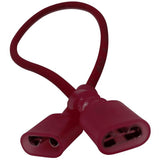
Product title:
USSC Pellet (Stove/Furnace) Platinum RTD Sensor: 80531
Product price:
Only 4 Left In Stock
Save 25%
Original Price
$89.99
Current Price
$67.49
Product SKU ! 80531
Product MPN ! 80531
Bullet point features
- Genuine OEM US Stove Part Learn more about the difference between OEM and AMP parts
- Save $37.50 With The Aftermarket Version!
- Replaces Part # 80531 for many King, US Stove Company, and other models
- Sold Individually
- Easy Do-It-Yourself Install
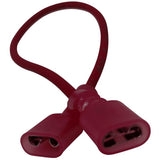
- Wire Length 30"
- Measures 1" Long
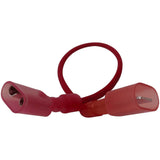
- Two Female Spades Wire Connectors
- See Complete Description