Product title:
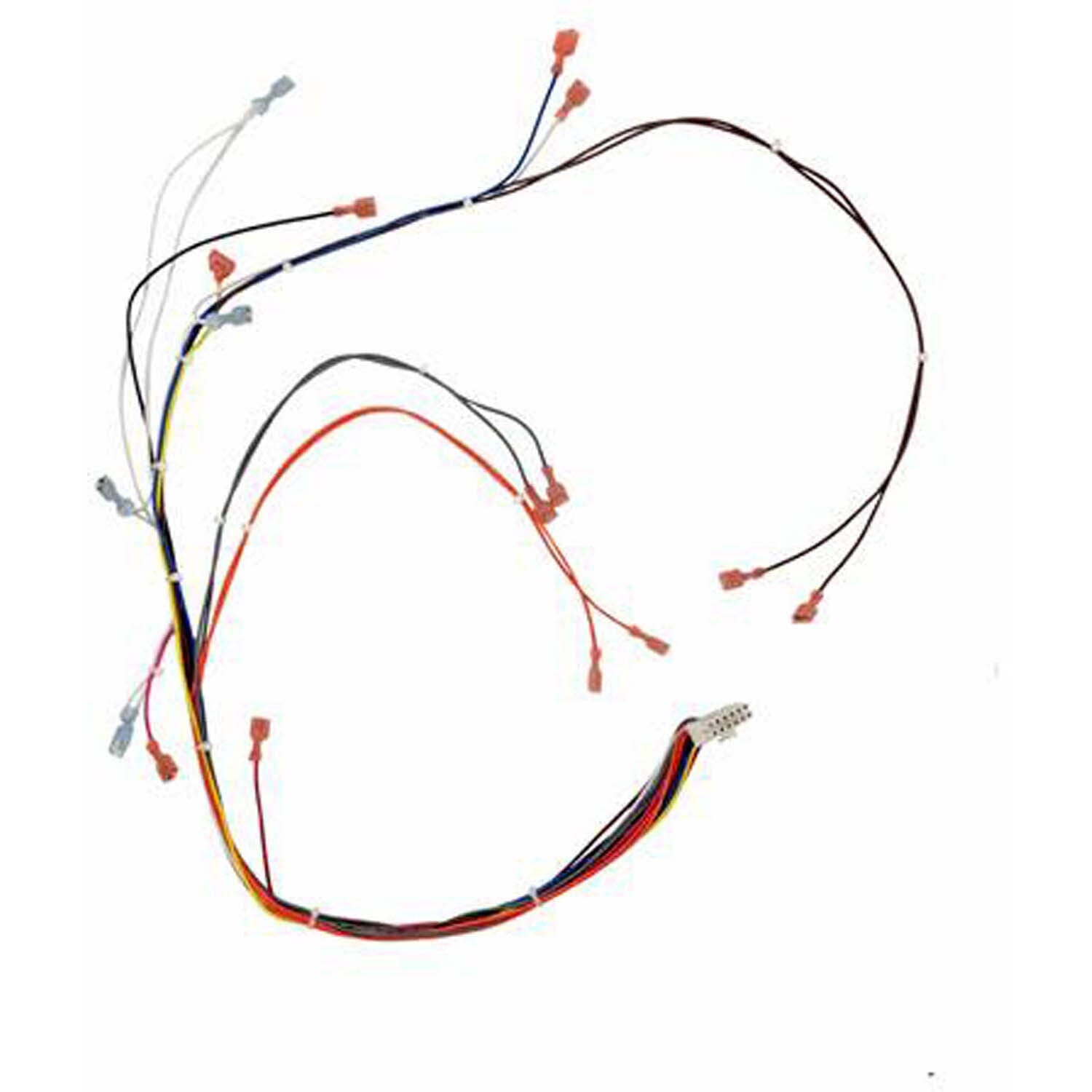
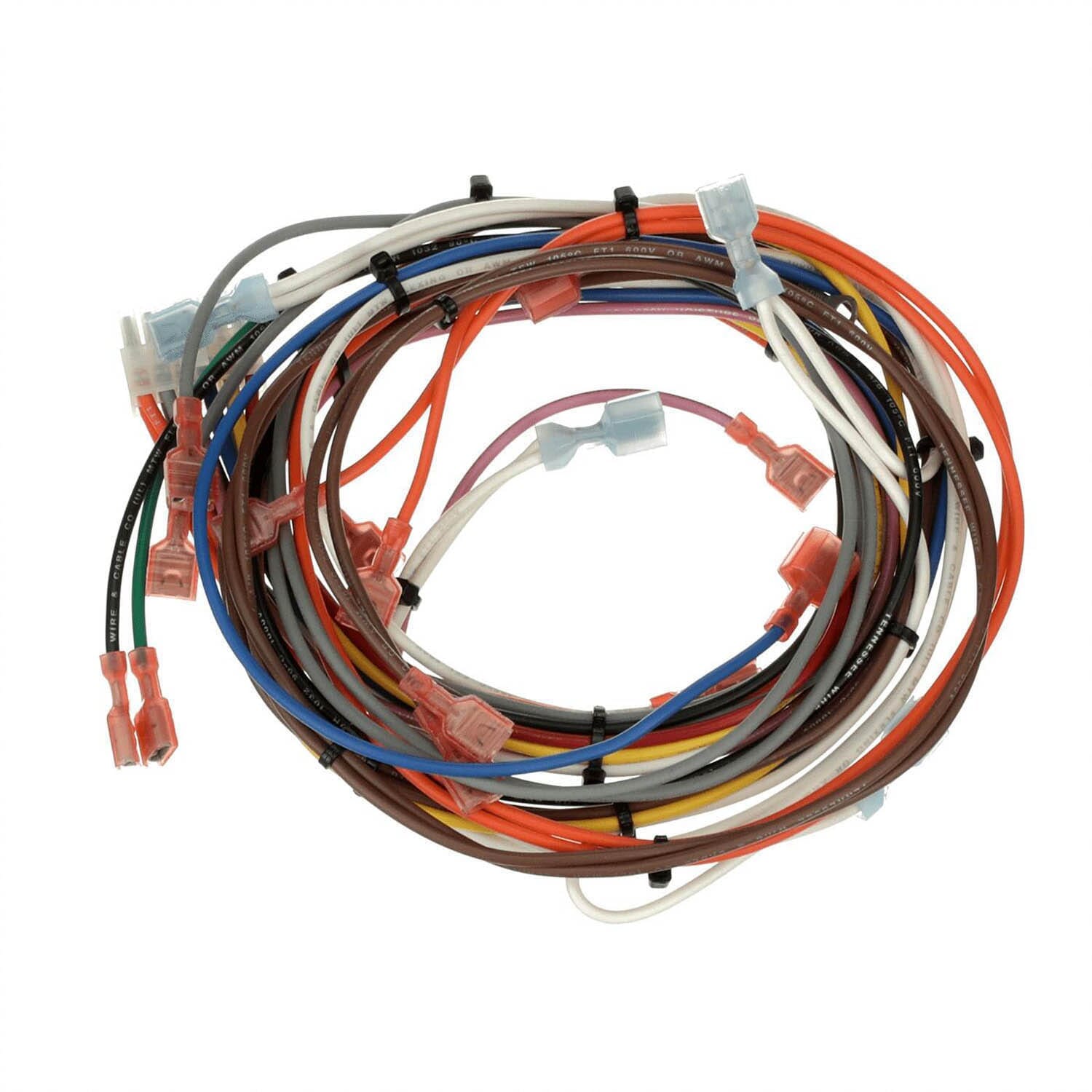
Breckwell Pellet Stove Main Wiring Harness (C-E-UH1000) For Digital Boards: 80675


Product price:
Product availability:
In Stock
$29.99
Product SKU ! 80675
Product MPN ! C-E-UH1000
Bullet point features
- Genuine OEM Breckwell Part Learn more about the difference between OEM and AMP parts
- Replaces Part # C-E-UH1000, 80675 for many Breckwell models
- Measures 49" Long, 1" Wide, and .75" High
- FREE Shipping with orders over $99
- Same Day Shipping On Most Items!*
- See Complete Description
You may also want to consider...

Breckwell Fuse Fits Most Models, 5A 125V: C-E-046-N
$3.99